Linked
Never lose a link again
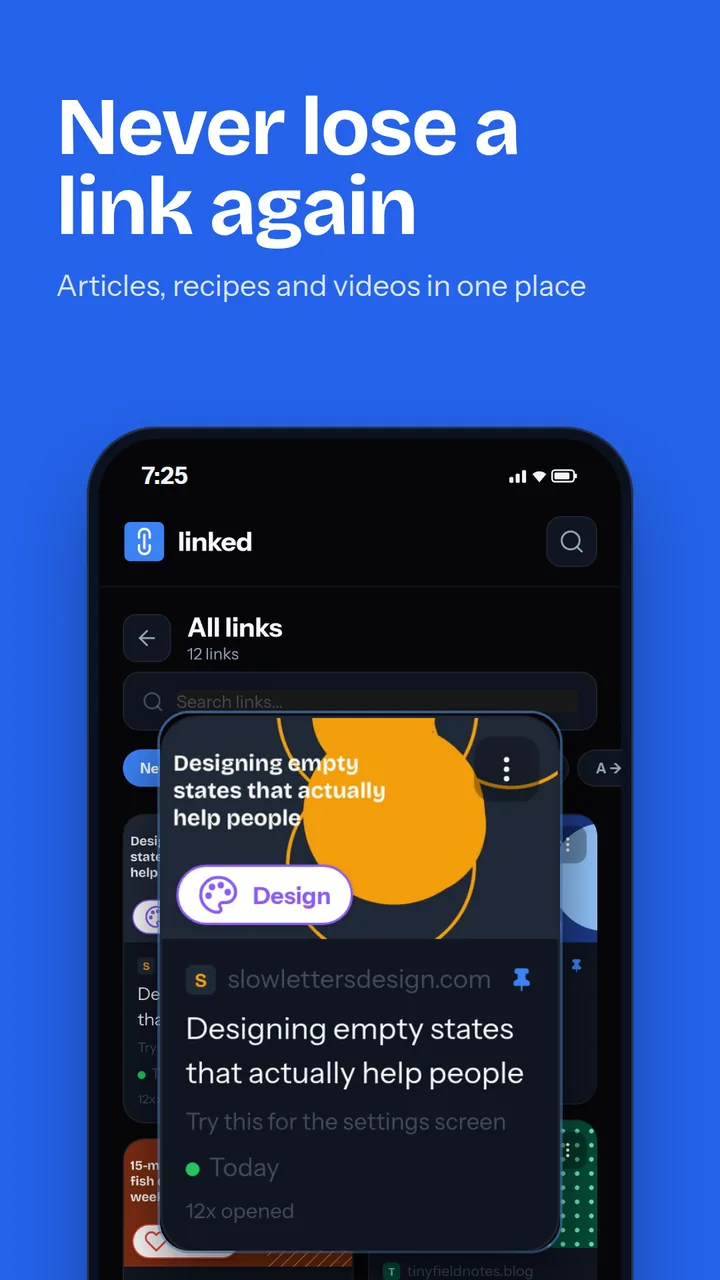
Share a link to Linked from any app and it's saved with its title and picture. Group links into collections, tag them, and find them again in seconds.
- Free
- No account
- PIN lock

What Linked does
Add a link without leaving the app you're in.
- Share any link to Linked from your browser, WhatsApp, YouTube or Instagram
- The title and picture are fetched automatically
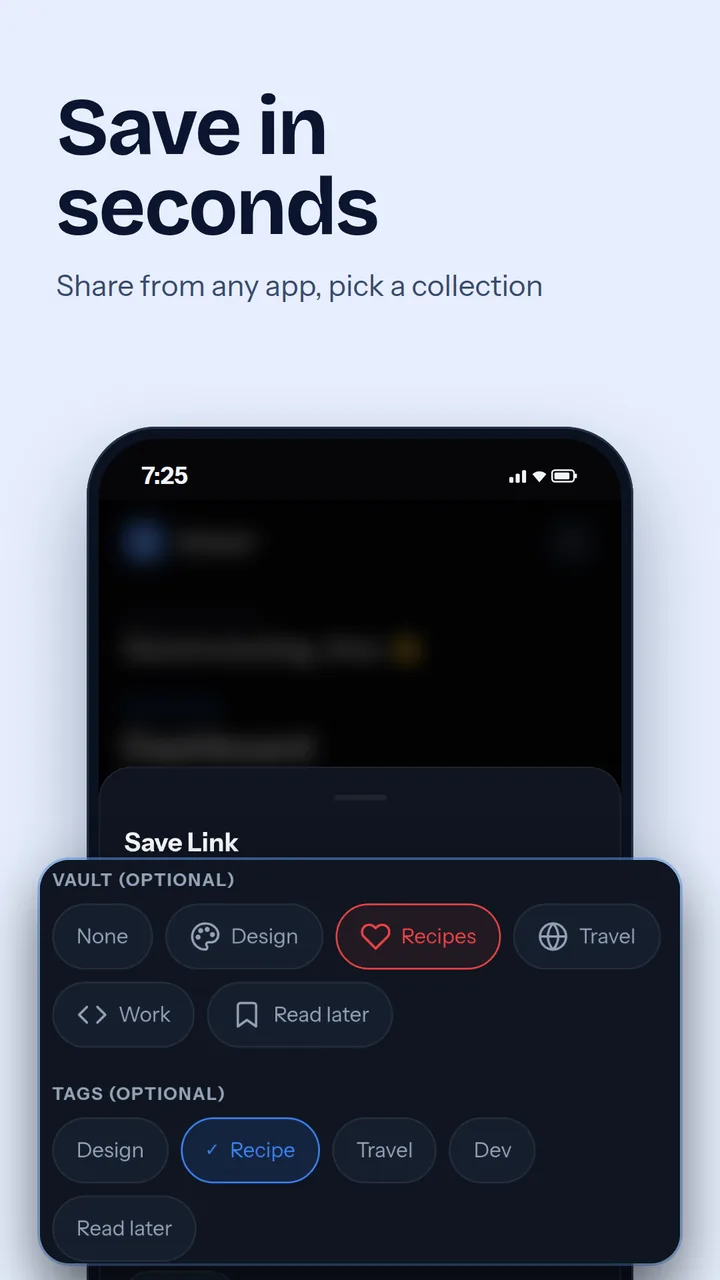
- Pick a collection and tags as you save
- Add a personal note about why you saved it
Everything you've saved, laid out to browse.
- Cards with pictures, in a two-column layout
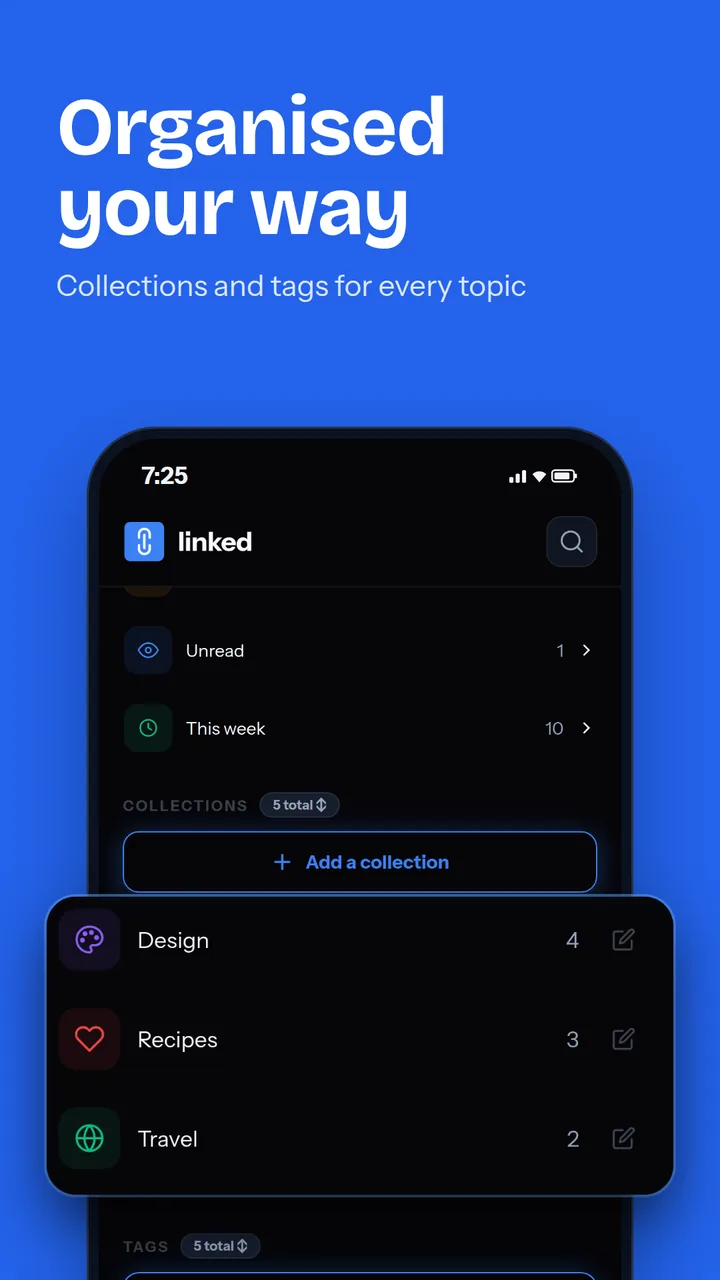
- Collections with their own colour and icon
- Tags across collections
- Filters for unread links and this week's saves
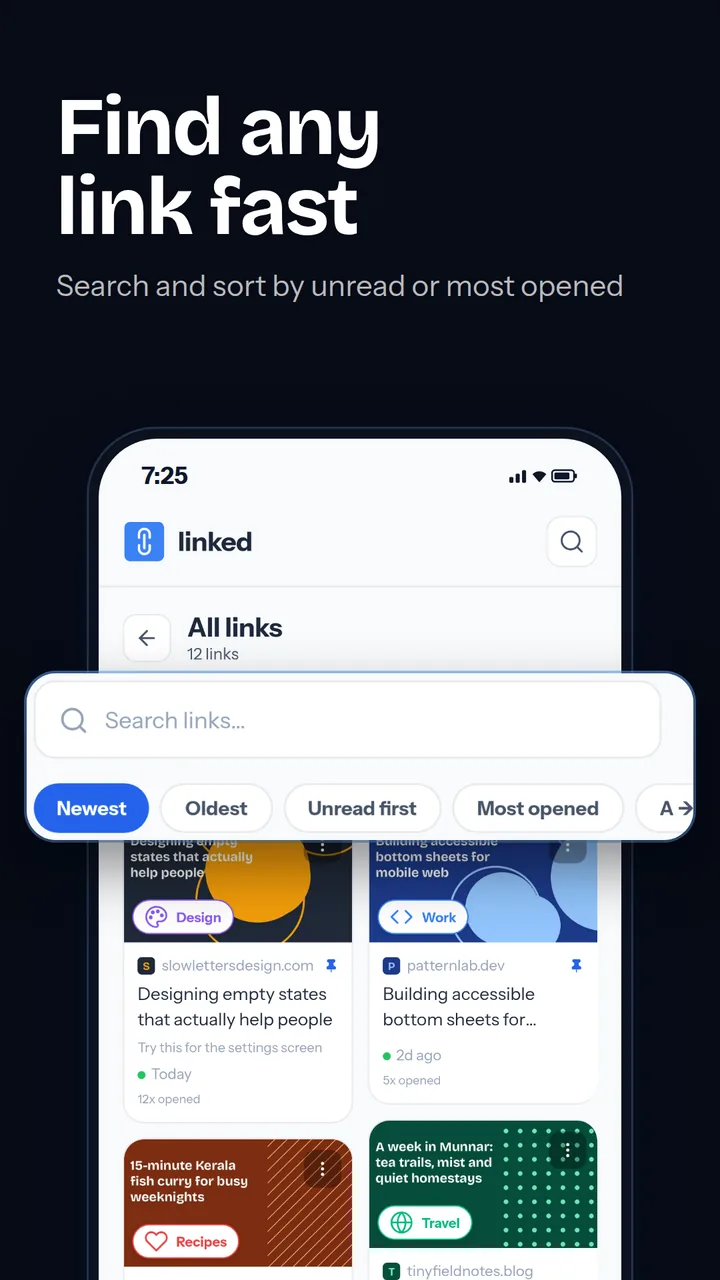
Get back to a link in seconds.
- Search by title, site or note
- Sort by newest, oldest, unread first, most opened or A to Z
- Each card shows how many times you've opened it
- Unread links stay marked until you open them
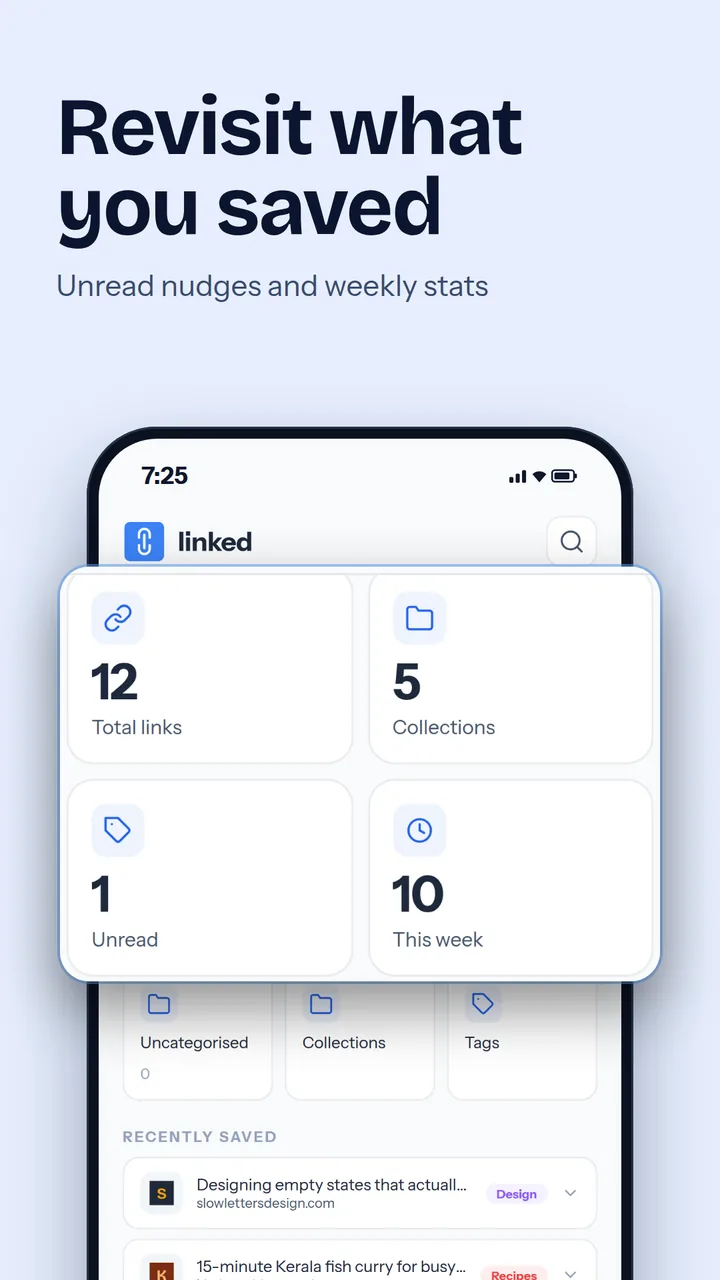
A quick look at your collection.
- Total links, collections, unread and this week
- A nudge to revisit your oldest unread link
- Recently saved, in a compact list
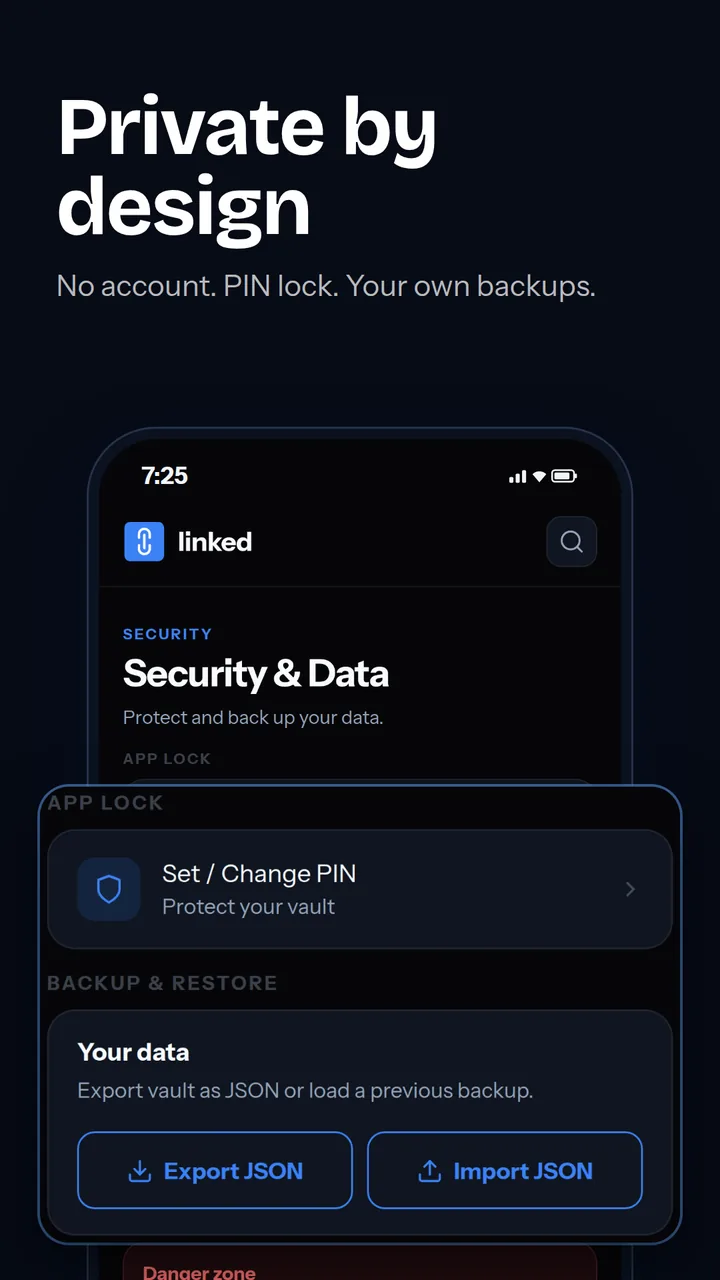
Private by design.
- No account and no sign-up
- PIN lock for the app
- Export a JSON backup and restore it anytime
- A recycle bin for links you delete by mistake
Inside the app
Your links are nobody else's business.
Linked has no account and no cloud sync. Everything you save stays on your phone.
- No accountInstall it and start saving. Nothing to sign up for.
- Nothing syncedYour links, notes and collections never leave your device.
- Backups on your termsExport a file when you choose and keep it where you like.
- PIN lockLock the app so only you can open your saved links.
How to start
Share a link
In any app, tap Share and choose Linked.
Pick a collection
Choose a collection such as Design or Recipes, or leave it uncategorised.
Add tags and a note
Optional, but it makes the link much easier to find later.
Find it anytime
Search, filter by collection, or sort by unread and most opened.
Common questions
Is what I save private?
Yes. Your links, collections, tags and notes are stored only on your phone. Linked has no account and no cloud sync.
Does Linked use the internet?
Only to fetch a link's title and picture when you save it. The web address you saved is sent to a preview service for that, and nothing else about you is sent. Everything you have already saved works without a connection.
How do I move my links to a new phone?
Open the Security tab, tap Export JSON and save the file. On the new phone, install Linked and use Import JSON.
Can I lock the app?
Yes. Set a PIN in the Security tab and Linked asks for it each time you open the app.
About the developer
Made by Satheesh Mankulam
Satheesh is a UX and motion designer with more than 11 years in visual design, who now designs and builds his own Android apps. Each one is free, asks for no account and keeps your data on your phone.
He is the author of The Psychology of Product Moments and writes about design and building apps on Medium.